Thor Zone TETRA S Steam Machine
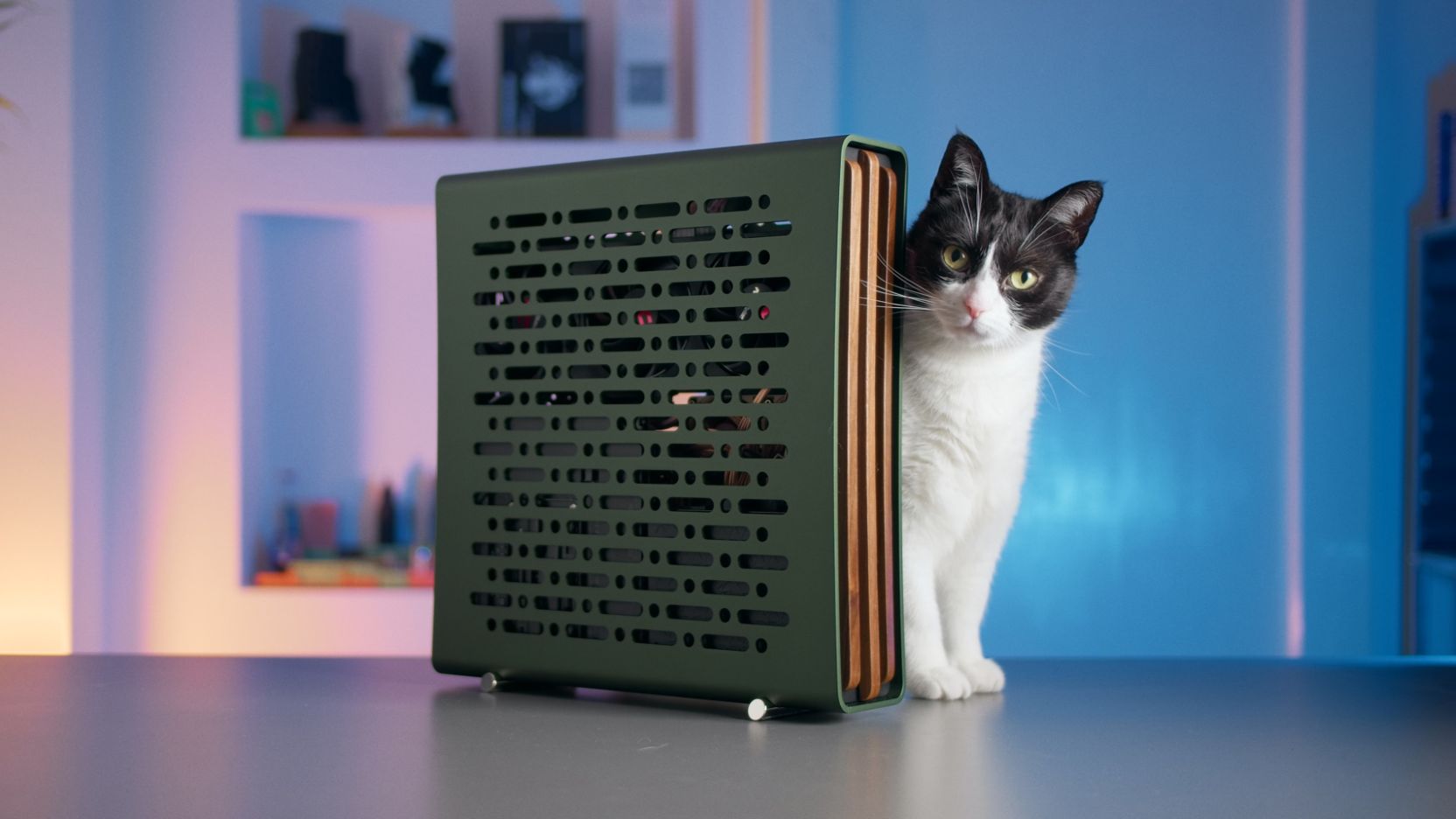
Step by step guide for assembling a 9070 XT build in the TETRA S case from ThorZone. As seen on YouTube.
This guide also features instructions for setting up a “Steam Machine” using Bazzite.
Parts List
| Type | Part | Link |
|---|---|---|
| Case | Thor Zone TETRA S Pine | Official |
| GPU | PowerColor RX 9070 XT Reaper | Amazon (affiliate) |
| CPU | AMD Ryzen 7 9800X3D | Amazon (affiliate) |
| MB | ASUS ROG Strix B850-I | Amazon (affiliate) |
| RAM | TEAMGROUP DDR5 6000 CL30 32GB | Amazon (affiliate) |
| NVME | Samsung 990 Pro 2TB | Amazon (affiliate) |
| PSU | Corsair SF850 | Amazon (affiliate) |
| Cooler | Thermalright AXP90-X47 Full Cooper | Amazon (affiliate) |
| CPU Fan | CNC Aluminium 4070 FE | DingKey |
| Add-on | AXP90 AM5 Offset Bracket | DingKey |
| Fans | 2x Noctua NF-A6x25 PWM | Amazon (affiliate) |
Case Add-ons: PCIe 5.0 Riser, Lighthub (for USB-C), Stands, Walnut Front.
Tools
I use the Xiaomi Electric Precision Screwdriver as my go to for all my builds - Amazon (affiliate)
I also recommend the iFixit Mako set - Amazon (affiliate)
Thermal Paste
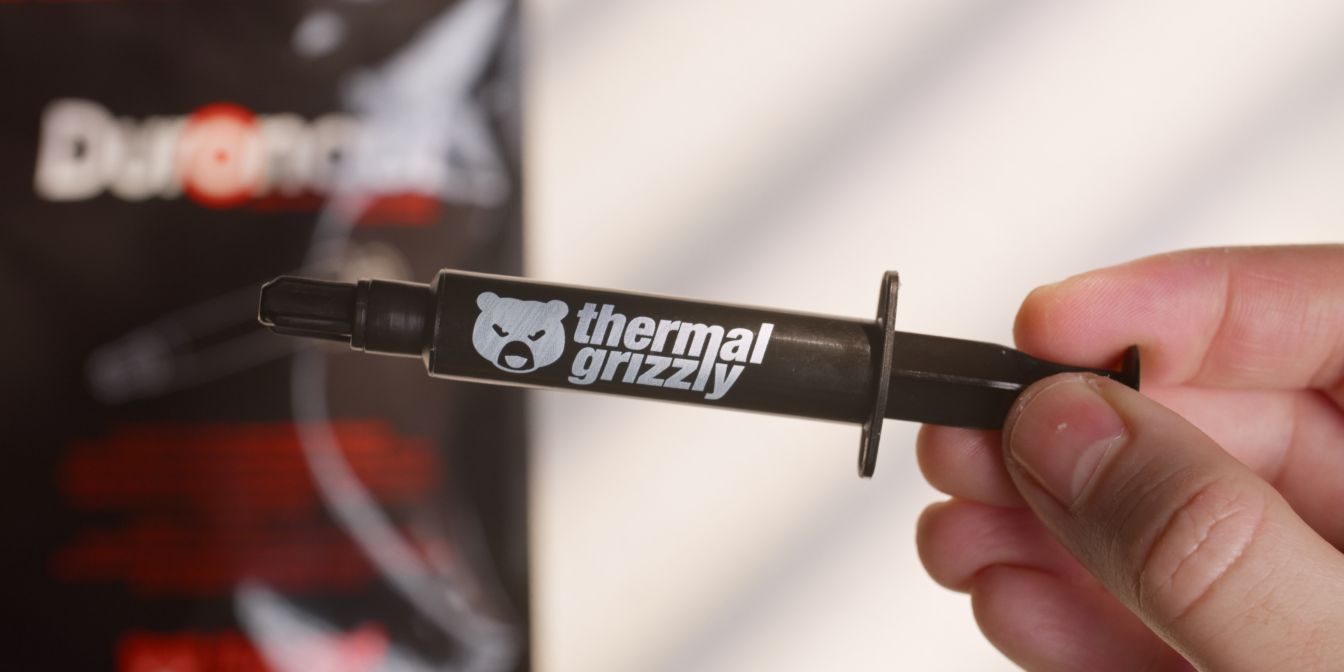
I recommend Thermal Grizzly’s Duronaut thermal paste - Amazon (affiliate)
It has excellent performance and it’s easy to apply and clean.
Custom PSU Cables
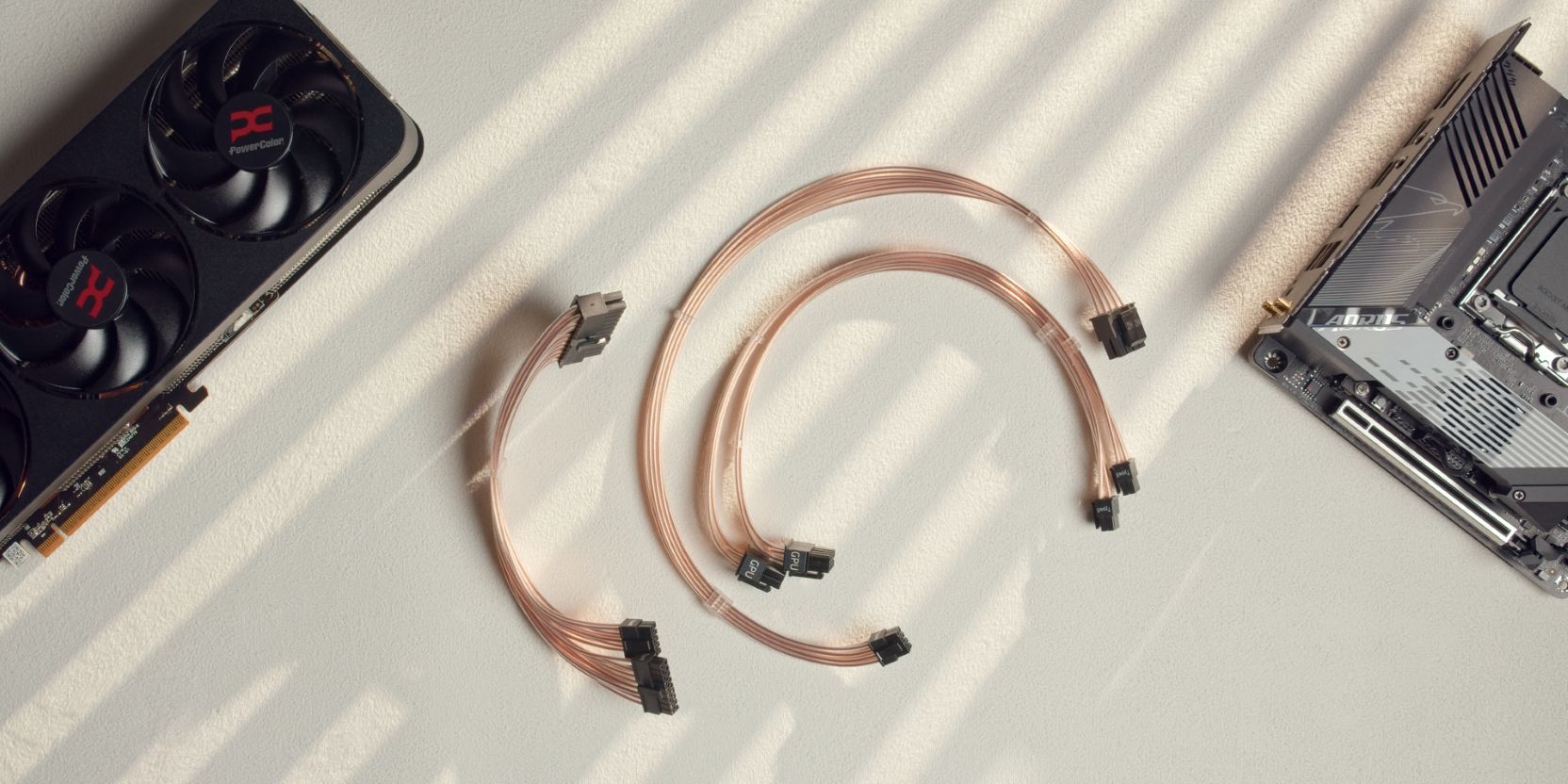
I use custom cables from Cablester, which feature per-wire lengths for perfectly sized cable runs.
I recommend going for either “Teflon” or “Debossed” cables in a color of your choice.
The set pictured in this guide is the copper teflon variant and was provided by Cablester for this build.